The Real Cost of Building a Snowflake Data Pipeline
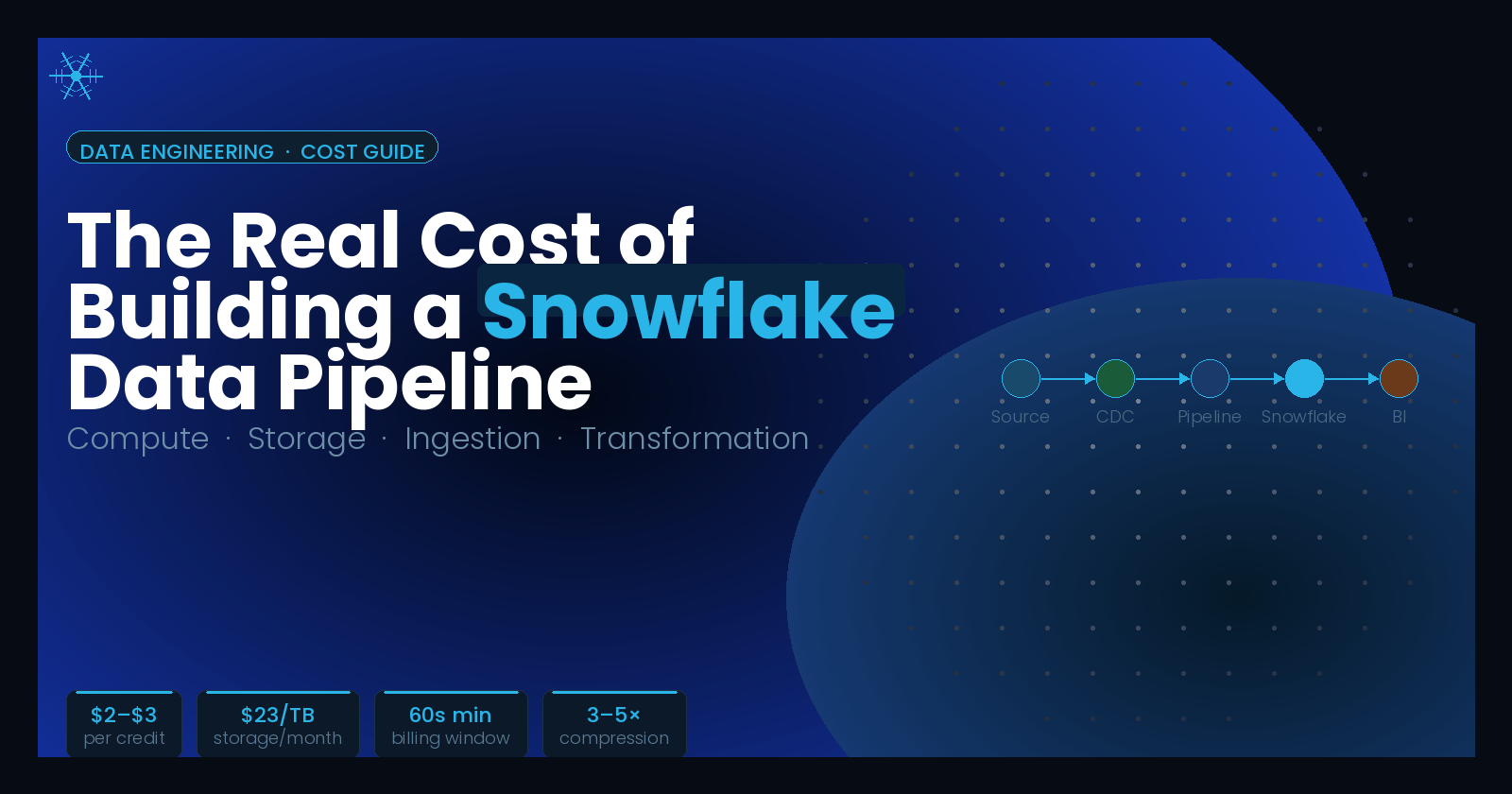
Most teams that start with Snowflake are surprised by the bill at the end of the first month. Not because Snowflake is unusually expensive, but because a data pipeline involves more moving parts than just the warehouse. You pay for Snowflake compute and storage, yes. But you also pay for the tool that moves data into Snowflake, the transformation layer that makes it useful, and the engineering time that holds it all together.
This article breaks down every layer of that cost so you can build your pipeline with realistic numbers.
How Snowflake Actually Bills You
Snowflake uses a consumption-based model that separates three cost dimensions: compute, storage, and cloud services.
Compute is billed in credits. A credit is the base unit of compute consumption, and its dollar cost depends on your Snowflake edition and whether you are on on-demand or capacity (prepaid) pricing.
On-demand credit pricing in the US (AWS, Standard Edition) runs around $2 per credit. The Enterprise Edition runs approximately $3 per credit, and Business Critical adds another tier on top. Capacity contracts require a minimum annual commitment of $25,000 and reduce the per-credit rate by roughly 15–40% depending on volume.
Virtual warehouse sizes determine how quickly you consume credits.
| Warehouse Size | Credits per Hour |
|---|---|
| X-Small | 1 |
| Small | 2 |
| Medium | 4 |
| Large | 8 |
| X-Large | 16 |
| 2X-Large | 32 |
Warehouses are billed per second with a 60-second minimum each time they start or resume. That minimum resets on every resume, which means a warehouse that suspends and restarts frequently can accumulate costs faster than one that stays running. Auto-suspend is the single most impactful configuration setting for cost control: set it too long and you pay for idle time, set it too aggressively and the 60-second minimum fires repeatedly.
Storage is billed by the terabyte per month, not in credits. On-demand pricing in US AWS regions is approximately $23 per TB per month. Most real-world data compresses 3–5x inside Snowflake, so 10 TB of raw data often lands closer to 2–3 TB on your bill.
Two features add hidden storage costs that teams frequently underestimate:
Time Travel: Snowflake keeps historical versions of your data for up to 1 day (Standard) or 90 days (Enterprise). All of that history counts toward your storage bill at the same active storage rate.
Fail-safe: A non-configurable 7-day window after Time Travel expires where Snowflake retains data for disaster recovery. Fail-safe storage costs around $25 per TB per month and cannot be disabled.
Cloud services cover authentication, query planning, metadata management, and access control. Snowflake includes up to 10% of your daily compute credits as a free allowance. Most teams never exceed this threshold. If your account runs many small, fast queries, the ratio of cloud service overhead to compute can spike, which is when cloud service charges become visible.
The Cost That Surprises Everyone: Data Ingestion
Getting data into Snowflake is a separate cost category that belongs to whichever tool you use for ingestion, not to Snowflake itself. This is where real-world pipeline costs often diverge significantly from initial estimates.
Snowflake does not charge data ingress fees, but it does charge for egress. Snowflake provides two native ingestion mechanisms. Snowpipe (for file-based batch loading) charges compute credits for the processing involved in loading files plus a per-file overhead fee. Snowpipe Streaming (for low-latency row-level ingestion) is better suited for near-real-time workloads and has become the preferred path for teams that need fresh data in the warehouse within seconds.
For most teams, native ingestion is not enough. You need a managed connector layer that handles source connectivity, schema changes, retries, and backfills. This is where the market for data integration tools sits.
Fivetran
Fivetran is one of the most widely used tools for loading data into Snowflake. Its pricing model is based on Monthly Active Rows (MAR): you pay for every row that Fivetran syncs, regardless of whether the row actually changed.
This model is intuitive for low-volume SaaS sources like a CRM or an ad platform. It becomes expensive quickly on high-churn datasets. If you are syncing a table that updates frequently, like event logs, impression data, or CDC from a transactional database, your MAR count can reach tens of millions per month. At Fivetran's published rates, high-volume pipelines can run $20,000–$40,000 per month before any Snowflake compute costs.
Fivetran has a free tier for up to 500,000 MAR, which is reasonable for evaluation.
Airbyte
Airbyte is an open-source alternative with 600+ connectors. The self-hosted version has no licensing cost, but requires a team to provision, maintain, and monitor Kubernetes infrastructure. Organizations using self-hosted Airbyte report engineering overhead as the dominant real cost.
Airbyte Cloud removes the infrastructure burden with per-connector pricing similar to Fivetran, which reduces the cost advantage of going open-source.
Estuary
Estuary is a real-time data platform built around CDC, streaming, and batch pipelines. Its pricing model is volume-based: you pay based on the amount of data moved rather than the number of rows synced. This is a meaningful structural difference from MAR-based pricing.
Estuary's Snowflake connector uses Snowpipe Streaming to deliver data with sub-second latency. It supports exactly-once delivery, automatic schema evolution, and both delta and full-refresh update modes. The platform handles CDC from databases like PostgreSQL, MySQL, and MongoDB alongside SaaS and event sources, all in the same pipeline.
Several teams have reported significant savings after switching from higher-cost alternatives. Headset replaced Airbyte with Estuary and cut Snowflake compute costs by 40%, with Estuary's integration using 75% fewer credits per load. Livble reported a 50% reduction in Snowflake spend after switching to delta-aware streaming pipelines with Estuary.
Estuary has a free tier and offers throughput-based pricing that the company positions as 40–60% less expensive than row-based alternatives for high-change-rate data. For teams choosing between tools, the meaningful comparison is total cost across ingestion tool plus downstream Snowflake compute: more efficient ingestion patterns reduce the warehouse credits you spend on loading and transforming redundant data.
dbt (Transformation Layer)
dbt is the standard transformation tool for Snowflake-centric data stacks. It handles SQL-based transformation, testing, and documentation inside the warehouse. dbt Core is free and open source. dbt Cloud costs approximately $100 per user per month.
dbt is not an ingestion tool. It handles the T in ELT. Most teams combine dbt with a separate ingestion platform.
Putting It Together: Cost Scenarios
Small Team, Moderate Volume
A team with 5 TB of data, two or three source connectors, and moderate query traffic running a Medium warehouse 8 hours per day on AWS Enterprise Edition:
Snowflake compute: ~$300–$500/month
Snowflake storage (5 TB compressed to ~1.5 TB with Time Travel): ~$75/month
Ingestion tool (mid-tier plan): $200–$1,000/month depending on tool and volume
dbt Cloud (2 users): ~$200/month
Estimated total: $800–$2,000/month
Mid-Size Company, High-Churn Data
A company with 50+ TB, multiple high-frequency database sources, and analysts running queries throughout the day:
Snowflake compute (multiple warehouses): $5,000–$15,000/month
Snowflake storage: $500–$1,500/month
Ingestion tool (high MAR or high data volume): $2,000–$10,000/month
Transformation and orchestration: $500–$2,000/month
Estimated total: $8,000–$30,000/month
A financial services firm running complex analytics on 200 TB of data often sees bills in the $25,000–$40,000 range. These ranges are wide because configuration choices have an outsized effect. Warehouse auto-suspend settings, Time Travel retention windows, ingestion frequency, and pipeline architecture each shift the number meaningfully.
Where Costs Go Wrong
Warehouses that never suspend: The default auto-suspend window in many configurations is several minutes. A warehouse that sits idle for 20 minutes after the last query runs is burning credits for nothing. Set auto-suspend aggressively; most query latency is acceptable even after a cold start.
Oversized warehouses: Data teams often provision a Medium warehouse because it feels safe. Many queries that run acceptably on an X-Small warehouse get moved to a Medium when a single slow query prompts an upgrade, and the upgrade never gets revisited. Query profiling in Snowflake's Query History view usually reveals that most queries finish in seconds on any size.
Time Travel retention at 90 days by default: Enterprise Edition supports up to 90-day Time Travel. For a 10 TB table, that is potentially 10 TB of additional storage being retained for data you may never need to query historically. Evaluate which tables actually need long Time Travel windows and set the others to 1 or 7 days.
Row-based ingestion pricing on high-frequency tables: If you are on a MAR-based ingestion tool and your source tables have millions of rows that update every hour, you are paying for every row on every sync cycle, including rows that did not change. CDC-based tools and volume-based pricing models avoid this by transmitting only actual changes.
No spend monitoring: Snowflake provides ACCOUNT_USAGE views and Resource Monitors that can alert when credit consumption exceeds a threshold. Most teams do not configure these until after they have been surprised by a bill.
A Quick Framework for Estimating Your Pipeline Cost
Before committing to a stack, estimate costs across these five dimensions:
Compute: Identify your expected warehouse size, daily active hours, and query concurrency requirements.
Storage: Estimate your compressed data footprint, then add Time Travel and Fail-safe overhead.
Ingestion: Understand whether the tool you are evaluating prices by rows synced, data volume moved, or connectors active. Run the math on your actual data change rate.
Transformation: Count dbt Cloud users or estimate Airflow/Astronomer infrastructure costs.
Engineering overhead: Self-managed tools require ongoing maintenance. Fully managed tools reduce this but carry higher licensing costs. There is always a trade-off.
The right stack depends on your data volume, change rate, latency requirements, and engineering capacity. A batch-heavy analytics team with mostly SaaS sources has different economics than a company running CDC from a production PostgreSQL database into Snowflake for near-real-time dashboards.
Final Thoughts
Building a Snowflake data pipeline in 2026 is genuinely accessible for teams of any size. The hard part is not getting started; it is understanding why your bill grew three months in.
The key variables: keep warehouses suspended when not in use, right-size them for actual query complexity, evaluate your ingestion tool's pricing model against your specific data change patterns, and set up cost monitoring from day one. Every dollar you spend on Snowflake should be on queries, not on warehouses sitting idle and rows being transmitted that did not change.
If you want to reduce your ingestion costs specifically
The ingestion layer is often where Snowflake pipeline costs grow fastest, especially on high-churn datasets where row-based pricing compounds quickly.
Estuary is built for exactly this pattern. It uses CDC and volume-based pricing to move only what actually changed, which keeps both the ingestion bill and downstream Snowflake compute costs lower. It connects to Snowflake via Snowpipe Streaming for sub-second latency, handles schema evolution automatically, and has a free tier to start without a credit card.